Many manufacturers do more than build. You install, commission, and service equipment at customer sites. QuickBooks and whiteboards cannot keep up with multi-crew scheduling, serialized parts in the field, commissioning checklists, and contract maintenance.
Service Dynamics unifies these workflows by connecting Microsoft Dynamics 365 Business Central with ExpandIT Field Service. You get one system for dispatching, mobile work orders, inventory, job costing, and financials.
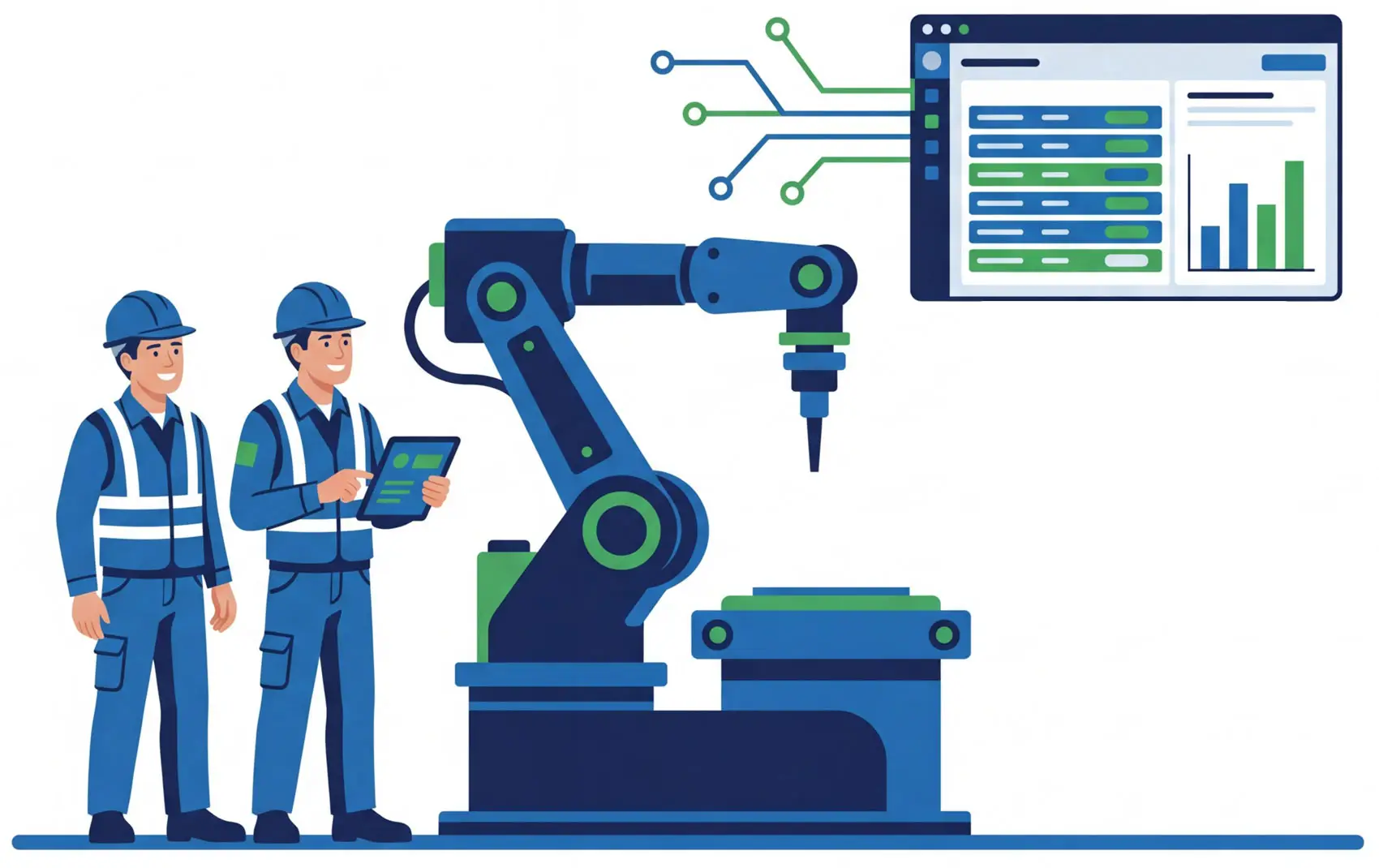
Most field service tools focus on scheduling and work orders. But manufacturers that install, maintain, and repair equipment need more than dispatch software.
Service Dynamics combines Microsoft Dynamics 365 Business Central with ExpandIT Field Service to connect technician scheduling, preventive maintenance, serialized equipment tracking, parts usage, invoicing, and financial reporting in one system.
That means field activity flows directly into inventory, costing, and billing, giving you better visibility into your installed base, tighter control over service costs, and a stronger foundation for aftermarket service revenue.
Manufacturing field service software helps manufacturers manage installs, maintenance, repairs, service agreements, and field technicians after equipment is delivered.
But many tools only handle scheduling and work orders.
A modern system should also connect field service to inventory, serialized equipment, costing, invoicing, and financials.
It should help you:



Scheduling, inventory, jobs, and accounting live in separate systems, creating delays and errors.
Coordinating surveys, installs, rigging, electricians, controls, and inspectors is hard without a live dispatch board.
Punch lists, photos, and approvals on paper slow handoffs and delay billing.
Parts, kits, and serialized components move between vans, branches, and sites with little visibility.
Missing serials and proof of work lead to unpaid claims and rework.
Technicians finish work, but invoices wait for emails and spreadsheets.
Plan jobs, schedule crews, capture field data, track serialized inventory, and invoice in one connected system with live job costing, WIP, and margin dashboards.
Use a live resource planner with skills, territories, and route optimization. Drag and drop to reschedule in real time.
Give techs work orders, checklists, photos, time, parts, and signatures on any device. Everything syncs when they reconnect.
Scan serials and lots, consume from vans and site bins, and replenish truck stock with full traceability back to Business Central.
Standardize punch lists, safety forms, and photo evidence. Generate an auditable job packet automatically.
Automate visit plans, entitlements, and SLAs to turn service into reliable recurring revenue.
Service Dynamics is a strong fit for manufacturers that install, commission, maintain, or service equipment in the field.
Service Dynamics is built for manufacturers that:
Not running field crews? If your work stays in the plant and after-sales service is minimal, Business Central alone may be a better fit.

Many manufacturers start with QuickBooks, spreadsheets, and a separate scheduling system. That may work early on, but as field service grows, disconnected tools create gaps between service, inventory, and accounting.
Technician notes live in one place, inventory in another, and accounting is left chasing updates before invoices can go out. It becomes harder to track warranty costs, measure service profitability, and understand the full performance of your service operation.
Service Dynamics replaces that patchwork with one connected platform, so field service activity ties directly into inventory, costing, invoicing, and reporting.
Manufacturing field service software helps manufacturers manage installs, commissioning, maintenance, repairs, service agreements, and field technicians after equipment is delivered to the customer. It connects field work with inventory, costing, invoicing, and financial reporting.
It is best for manufacturers that install, service, or maintain equipment in the field. That includes OEMs, machinery builders, fabricators, industrial equipment distributors, and manufacturers with dedicated service teams.
Yes. Service Dynamics helps manufacturers track serialized equipment, replacement parts, and service history so teams have better visibility into what was installed, what was used, and what needs to be serviced next.
Yes. You can manage recurring maintenance visits, service agreements, entitlements, and contract-based service workflows in one connected system.
Yes. Technicians can access work orders, capture labor and parts, complete checklists, add photos, and collect signatures from mobile devices while in the field.
Because field activity is connected to inventory, job costing, and financials, completed work can move into billing faster and with fewer manual steps. That helps reduce delays between service completion and invoicing.
QuickBooks and scheduling tools often leave service, inventory, and accounting disconnected. Service Dynamics brings those workflows together in one system, giving manufacturers better visibility into service costs, margins, and operational performance.
No. Service Dynamics is built around Microsoft Dynamics 365 Business Central. It extends Business Central with field service capabilities so manufacturers can manage both back-office operations and field execution in one connected platform.
Explore AI, ERP, and the technology reshaping service
and rental businesses.

73 Water Street North, Suite 300 Cambridge, ON N1R 7L6
Copyright © 2026 All Rights Reserved.