ExpandIT Field Service Software for Microsoft Dynamics 365 Business Central

Connect your office, dispatchers, and field technicians with a field service solution built for Business Central.

Run Field Service From One Connected System

ExpandIT helps service companies manage mobile work orders, technician scheduling, field updates, parts usage, inspections, service documentation, and billing-ready job information from one connected system.

Move away from paper work orders, disconnected scheduling tools, delayed technician updates, and manual data entry. With ExpandIT and Business Central, your team can see what is happening in the field, keep service work moving, and get accurate information back to the office faster.

WHAT’S INCLUDED

Is Your Field Service Operation Outgrowing Paper, Spreadsheets, and Disconnected Tools?

As service companies grow, field work becomes harder to manage with disconnected systems. Dispatchers need to know where technicians are. Technicians need access to the right job information. Office teams need accurate updates for inventory, billing, and reporting.

But when field service information is spread across paper forms, spreadsheets, phone calls, emails, and separate scheduling tools, important details get missed.

That can lead to:

Dispatchers chasing technicians for job updates

Paper work orders coming back late, incomplete, or hard to read

Parts usage not being recorded accurately

Service notes, photos, and signatures getting lost

Billing delays because job information is missing

Office staff re-entering information manually

Technicians arriving without the full customer or equipment history

Managers lacking real-time visibility into field service activity

ExpandIT helps bring these moving parts together by connecting field technicians, dispatchers, service managers, inventory teams, and back-office staff through Business Central.

ExpandIT Core Capabilities

ExpandIT gives service companies the tools they need to manage field work, technician activity, scheduling, inventory usage, service documentation, and office-to-field communication directly through Business Central.

expandit mobile client

Mobile Field Service App

Give technicians access to the information they need while they are on the job.

With the ExpandIT mobile app, technicians can view work orders, customer details, equipment history, job notes, parts requirements, service instructions, photos, attachments, and forms from the field.
This helps reduce phone calls to the office, improve job completion accuracy, and give technicians a better way to capture updates as work is completed.

Scheduling and Dispatching

Help dispatchers assign the right technician to the right job at the right time.

ExpandIT gives service teams better visibility into technician schedules, appointments, availability, service priorities, and job updates. Dispatchers can manage field work more efficiently while keeping office staff and technicians aligned.
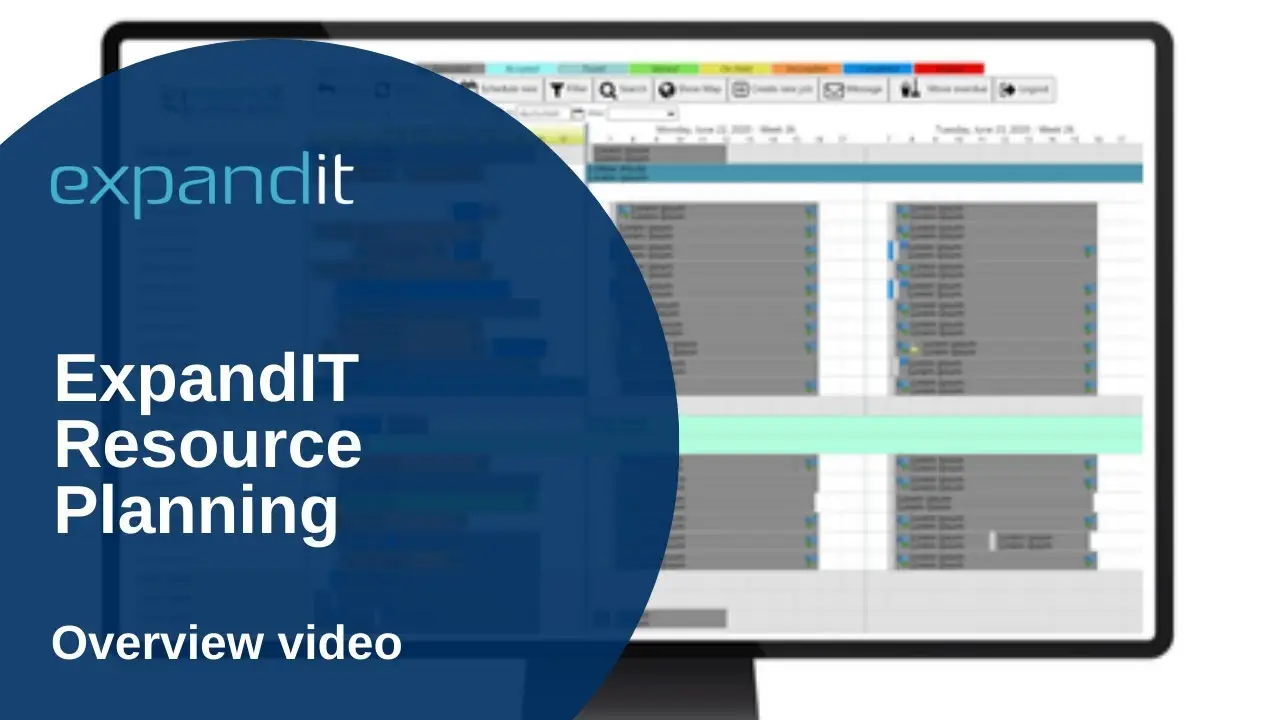

This helps reduce scheduling conflicts, missed updates, and manual coordination between the office and the field.
expandit scheduling dispatch

Scheduling and Dispatching

Manage service work from request to completion.

ExpandIT helps service companies organize work orders, technician assignments, job statuses, labor, materials, notes, customer details, and service documentation in one connected process.
Because service activity is connected to Business Central, your team can improve visibility across operations, finance, inventory, and billing.

Time and Expense Tracking

Capture labor, travel time, expenses, and job activity more accurately.

Technicians can record time and expenses from the field, helping office teams reduce manual entry, improve job costing, and prepare invoices faster.
This gives service companies better visibility into billable and non-billable work, technician productivity, and the true cost of each job.

Inventory and Parts Usage

Track the parts and materials technicians use during service work.

ExpandIT helps connect field inventory activity with Business Central so teams can see parts consumption, item usage, warehouse information, truck stock, and materials posted to service jobs.
This helps improve inventory accuracy, reduce missing parts information, and give finance and operations teams better visibility into service costs.

Inspections and Digital Forms

Replace paper forms with digital service documentation.

ExpandIT supports digital forms, inspections, safety checklists, compliance documentation, photos, attachments, and customer signatures.
This helps standardize field documentation, reduce lost paperwork, and make it easier for technicians to capture complete service information before leaving the job site.

Equipment and Asset History

Give technicians better visibility into the equipment they are servicing.

ExpandIT can help field teams access customer asset details, equipment history, service records, warranty information, serial numbers, and previous job notes.
This helps technicians arrive better prepared and gives service managers a clearer view of customer equipment over time.

Real-Time Business Central Integration

Keep your field service operation connected to your ERP system.

ExpandIT integrates with Business Central so field activity can connect with customer records, service information, inventory, finance, purchasing, and reporting.
This helps reduce duplicate data entry, improve accuracy, and give office teams faster access to field updates.

Frequently Asked Questions (FAQ)

ExpandIT is field service management software that extends Microsoft Dynamics 365 Business Central into the field. It helps service companies manage mobile work orders, scheduling, technician updates, time entries, parts usage, inspections, service documentation, and field-to-office communication.

Yes. ExpandIT is designed to work with Microsoft Dynamics 365 Business Central, helping service companies connect field activity with customer records, service orders, inventory, finance, purchasing, billing, and reporting.

ExpandIT is best suited for service companies with field technicians, dispatchers, schedulers, service managers, warehouse teams, and back-office staff who need better visibility into work orders, schedules, technician activity, parts usage, and customer equipment.

ExpandIT helps service companies reduce paper work orders, disconnected scheduling tools, duplicate data entry, delayed job updates, missing service documentation, manual time tracking, lost paperwork, and excessive phone calls between the field and office.

Yes. Technicians can use the ExpandIT mobile app to view work orders, customer details, equipment history, job notes, parts requirements, service instructions, photos, attachments, forms, and other information needed to complete work in the field.

Yes. ExpandIT helps dispatchers manage technician schedules, appointments, availability, service priorities, assignments, and job updates so the office and field teams can stay better aligned.

Yes. Technicians can capture labor, travel time, expenses, and job activity from the field. This helps reduce manual entry, improve job costing, and give office teams more accurate information for billing.

Yes. ExpandIT helps connect field inventory activity with Business Central so teams can track parts consumption, item usage, warehouse information, truck stock, and materials posted to service jobs.

See What ExpandIT Can Do for Your Field Service Operation

Talk with a field service specialist and see what a connected system looks like for your team.

Book a Meeting